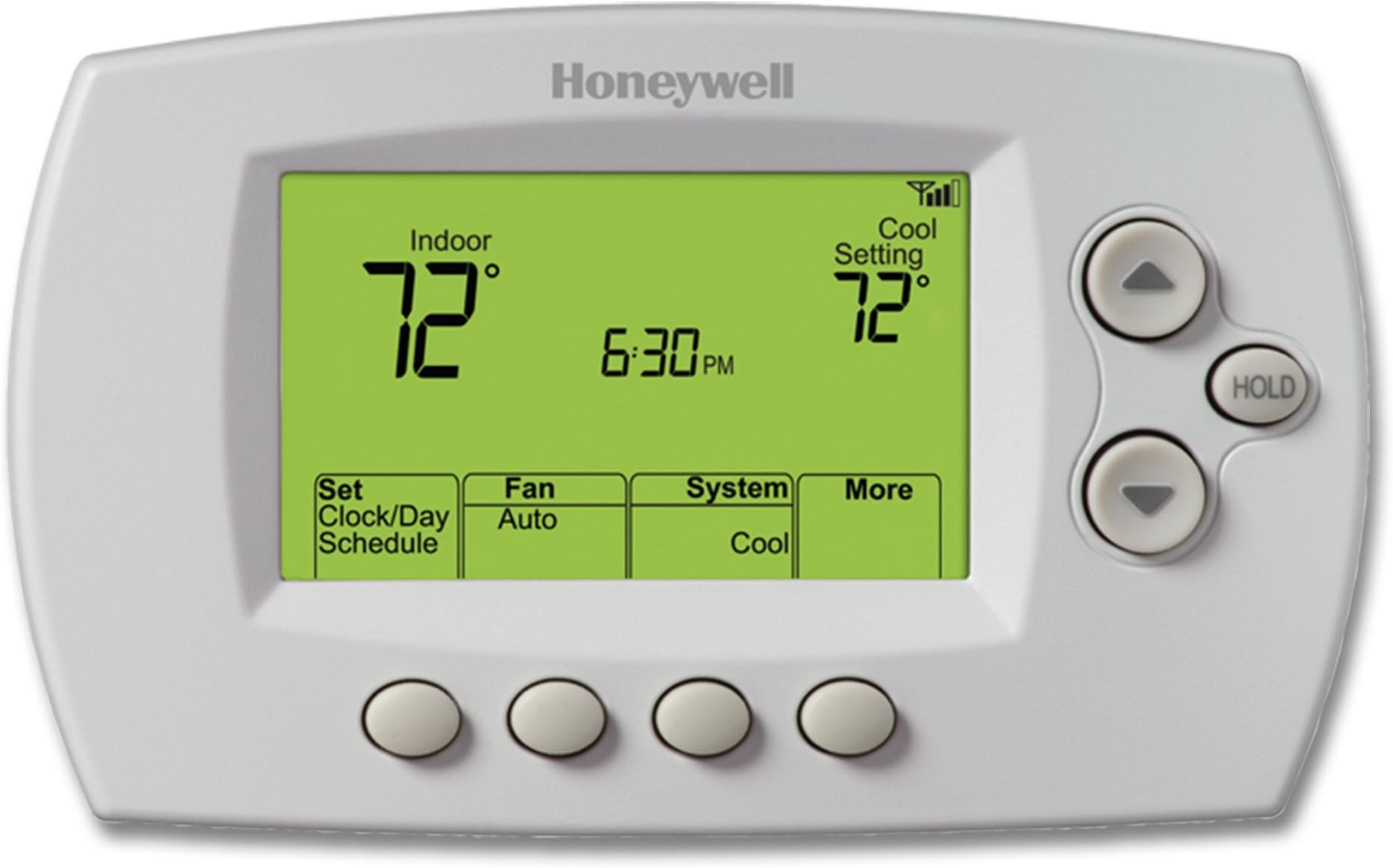
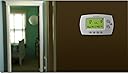
I thought I would write a limited review of the RET97E5D to describe the four challenges that I had installing two of these and how I resolved them. This review may be helpful for you under the following circumstances:1. You need to use a separate 24VAC transformer to power a Honeywell thermostat;2. You encounter the "ERROR,200" code when trying to link the thermostat to your home wifi signal;3. You need to call the Honeywell technical support number; and/or4. You are not able to register the thermostat at the Honeywell Total Comfort Connect website after setting up the wifi signal.Otherwise, you may as well skip this review, as these are the only subjects covered.I bought two of these units for a new-to-us, 115-year-old house. A year ago, I installed four RTH6500WF-series thermostats in a different house. As far as I can tell without undertaking a detailed comparison, the RTH6500WF and the RET97E5D units are visually and functionally the same. From a cost / functionality standpoint, I was quite happy with the RTH6500WF units so I decided to install the same or similar units in the new house.1. Power from plug-in transformer - The new thermostats are being used with a two-zone, heat-only system. The heating system in the new house has a baseboard zone controlled by a Taco controller board with a 24VAC common terminal. Although I needed to run new 3-conductor wire from the boiler to the thermostat, the terminal labeling on the TACO controller was very easy to read and it was easy to connect the red, white and common wires at both ends.The other zone is a steam zone with an older 24VAC Carlin controller that does not have a common terminal. I considered sharing the same common terminal on the Taco baseboard controller but lost my nerve, fearing that I might damage one or both controllers (Honestly, I don't think there would be damage, but I did not want to find out the hard way, especially at the start of heating season). To bring power to the steam zone thermostat, I ended up purchasing a 24VAC transformer on this same web site for about $12 and connected it to the thermostat through a separate feed. This is easy: just remove the pre-installed tiny "U"-shaped wire jumper between R and Rc on the thermostat's wall plate. The boiler controller's red wire attaches to R and the controller's white wire to W (i.e., standard 2-wire, heat-only configuration). To power the unit, the transformer's red (or positive) wire attaches to Rc and the transformer's common (or negative) wire to C.2. The next challenge I faced was connecting the units to my home wifi, and it was the frustration I had with this process - and the ultimately simple solution - that prompted me to write this review. Having activated and registered four similar units last year, I remembered it as an easy - if somewhat redundant - process (redundant when setting up four units, that is).However, this time around, when my laptop was still connected to the thermostat's temporary wifi signal (which is used in the first wifi set-up step to link the thermostat to the permanent home wifi signal), the process returned an error code. Note that the error code appeared on my laptop and not on the thermostat's LCD screen. According to the manual, some - or most - error messages will appear on the LCD, however, in this case, there was no error message. Rather, on the LCD, the thermostat remained in "Wi-Fi Setup" mode and did not switch over to the "Wait" message that would normally appear if the wifi linking process had gone correctly.The error message on the laptop was fairly cryptic: "Possible issue detected (ERROR,200)" My efforts to research the meaning of this error code in the supplied Honeywell manual or online were fruitless: I could not find a single reference to the meaning of the code.As suggested by a helpful Amazon shopper, I called the Honeywell help line using the number on the back of the thermostat (more on that in Sec. 3 below). I eventually got through to someone, and, after some preliminaries, I was able to pose the question that was the purpose of my call: Question: What is the meaning of error code 200? Answer: Error code 200 means unsupported web browser.I had been using Firefox to connect to the thermostat's temporary wifi signal. I was able to connect to the signal just fine, and to select my home wifi signal and enter my passcode. But then the linking process that this step triggered would fail and I would get the error code described above on my laptop screen. Based on what I was told by the Honeywell representative, I retried the process using the Chrome browser and the thermostat connected immediately to my home wifi.It seems to me that this error code ought to be described in the Honeywell manuals and/or on the Honeywell web site, as it could trip up a lot of customers. But as far as I could see, it is not.3. Calling the Honeywell technical support line was in itself not entirely free of glitches. The main one was that there was a long, silent gap between the initial audio greeting, which referenced an upcoming menu of choices and the playing of the menu itself. I would say the gap of dead air at was at least 2 minutes long and perhaps longer. I hung up the first time, thinking there was a problem with the phone connection. The second time I sat on the line and the menu choices were finally presented. Also, the audio quality of the call was atrocious.After making my menu choices, I was eventually connected with a nice woman in a faraway country. She seemed to think that I was calling because the Honeywell Total Comfort Connect website was down for maintenance on that day. This Total Comfort Connect web site is the Honeywell-hosted web interface that allows users to control Honeywell wifi-connected thermostats such as the RET97E5D and the RTH6500WF and thus is an essential part of the set up and ongoing use process for those who use the remote access features of these units.Prior to making the call, I did not know that the Total Comfort Connect website was not working. I would have discovered that in the next set-up step, of course, but since the thermostats were not yet connected to my home wifi signal, there was no way I could connect to them through the Honeywell site at that time. However, it was helpful to know. She assured me that it would be back up and running soon (which proved true).4. Registration proved to be the final hurdle. In order to have remote access to the thermostats it is necessary to register them on the Honeywell Total Comfort Connect website, which, like the wifi setup, should normally be a simple if redundant process. Since I had been told on the call that the Honeywell Total Comfort Connect website was down for repairs, I stopped what I was doing after having linked the thermostats to my home wifi signal, and returned to the process about 12 hours later. By that time, the Honeywell site was back up.Since I already had a user account for the four other Honeywell thermostats in the other house, I did not need to create an account. I merely needed to create a new "location" and register the two new units to that location.Registration involves typing in the MAC ID of the thermostat unit and a related 4-digit code, both of which are printed on the back of the thermostat, into the "new device" menu section of the Honeywell Total Comfort Connect website. I was able to do that, but when I pressed the "submit" button to activate the registration, the registration was rejected. No specific error code was given, but there was a generic statement to the effect that the thermostat's wifi connection might be down.The thermostat's LCD screen has a wifi icon that was showing a 4-bar (i.e., maximum) wifi signal, so I figured that the connection was fine. At this point, I was in a "I'll try anything to get it done" mode. I pulled the body of the thermostat off of the backing plate for a few moments, then re-installed it. This had the effect of cutting power briefly, but not long enough for it to lose its wifi and other settings. I returned to the Honeywell Total Comfort Connect interface, retyped the same MAC ID and 4-digit code, pressed "submit" and the registration was accepted.I don't know why this last step worked. It could be that some setting had timed-out in the approx. 12-hr. period between the wifi setup and the unit registration. In any event, just pulling the unit off its backing plate and re-installing it 30 seconds later was all that was needed to allow registration to proceed.These thermostats can require some effort connect and set up - and the instructions could be better and/or more complete in some respects - but overall I think the unit is good, especially for its price.